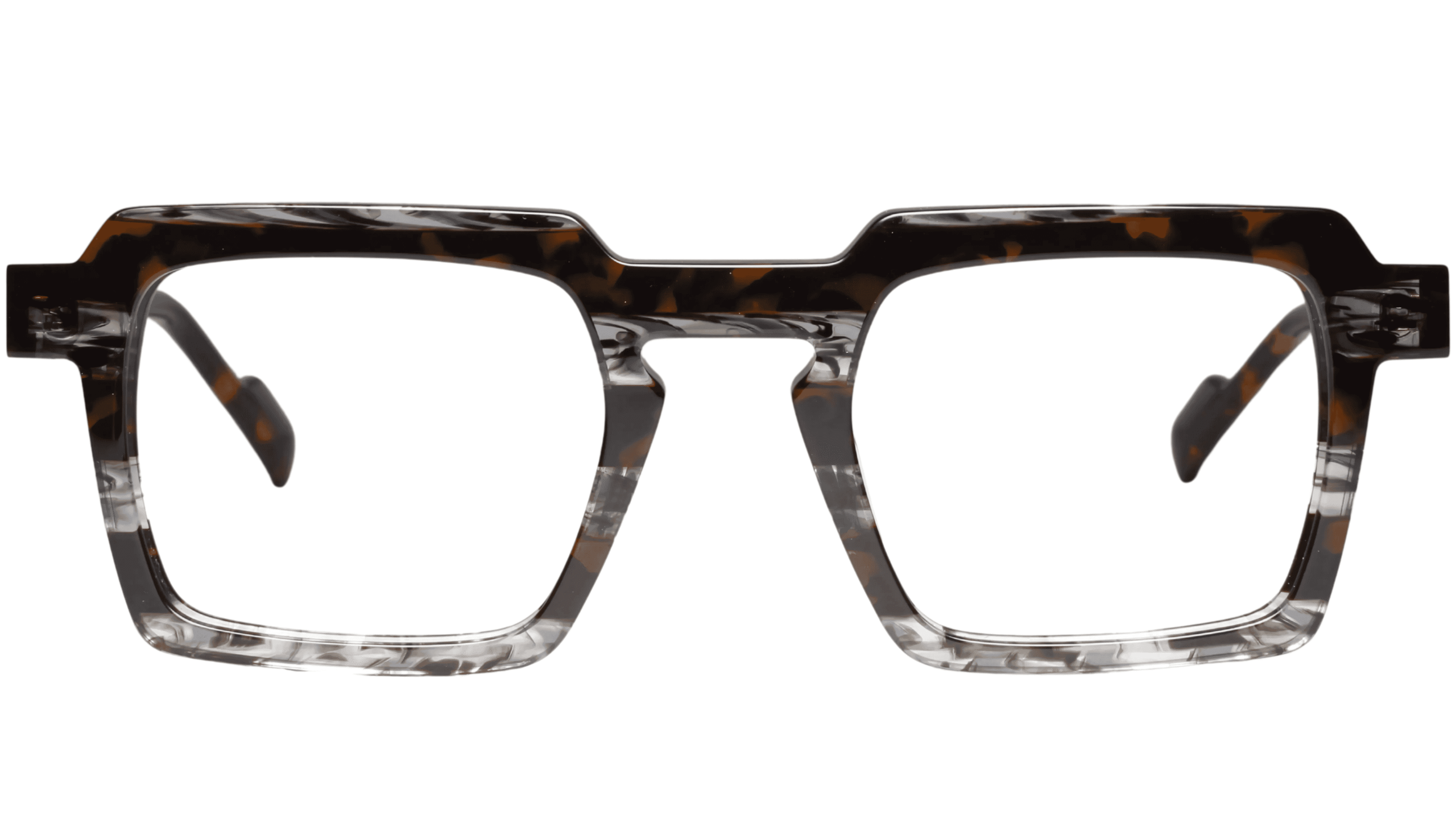
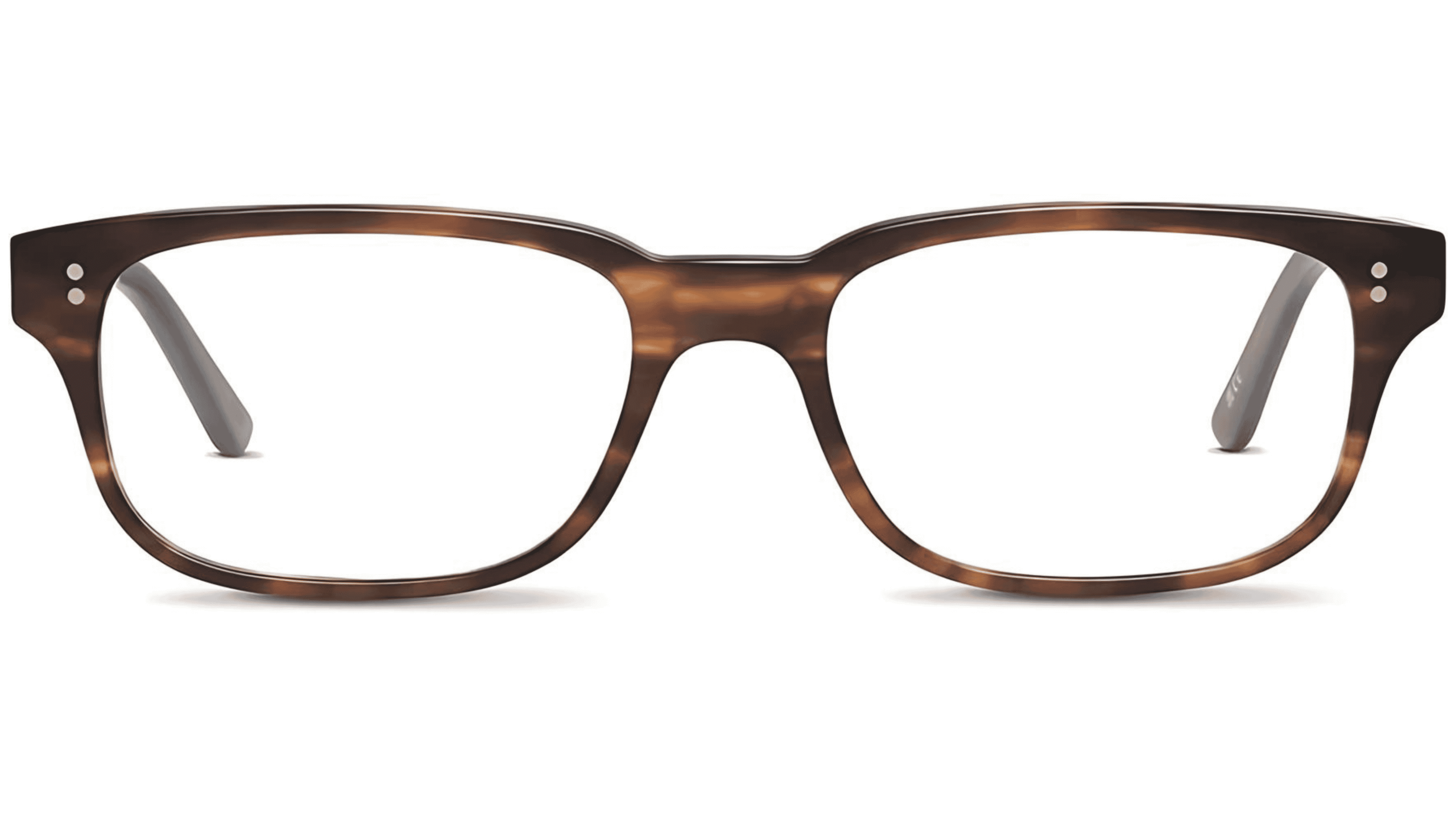
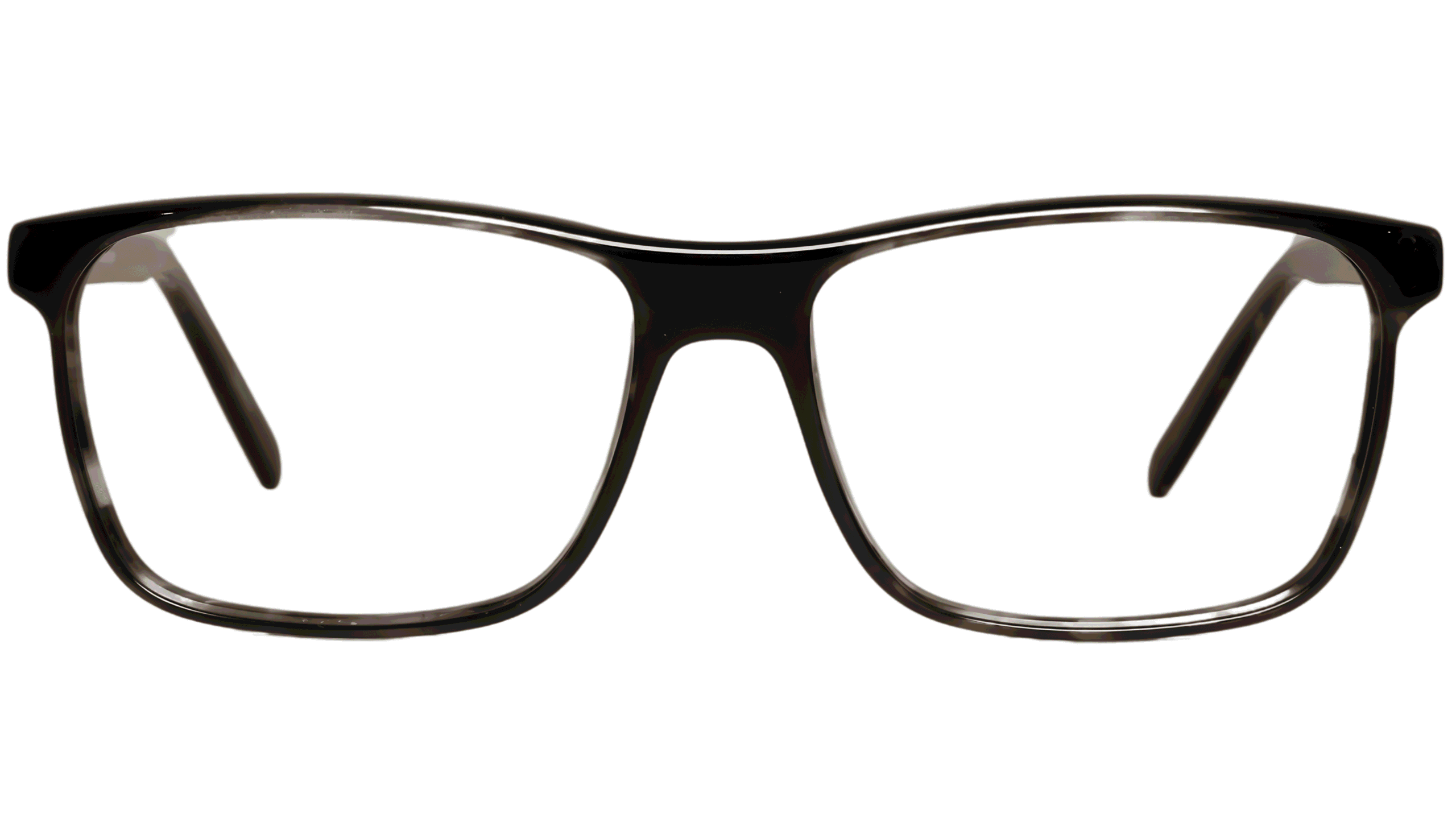
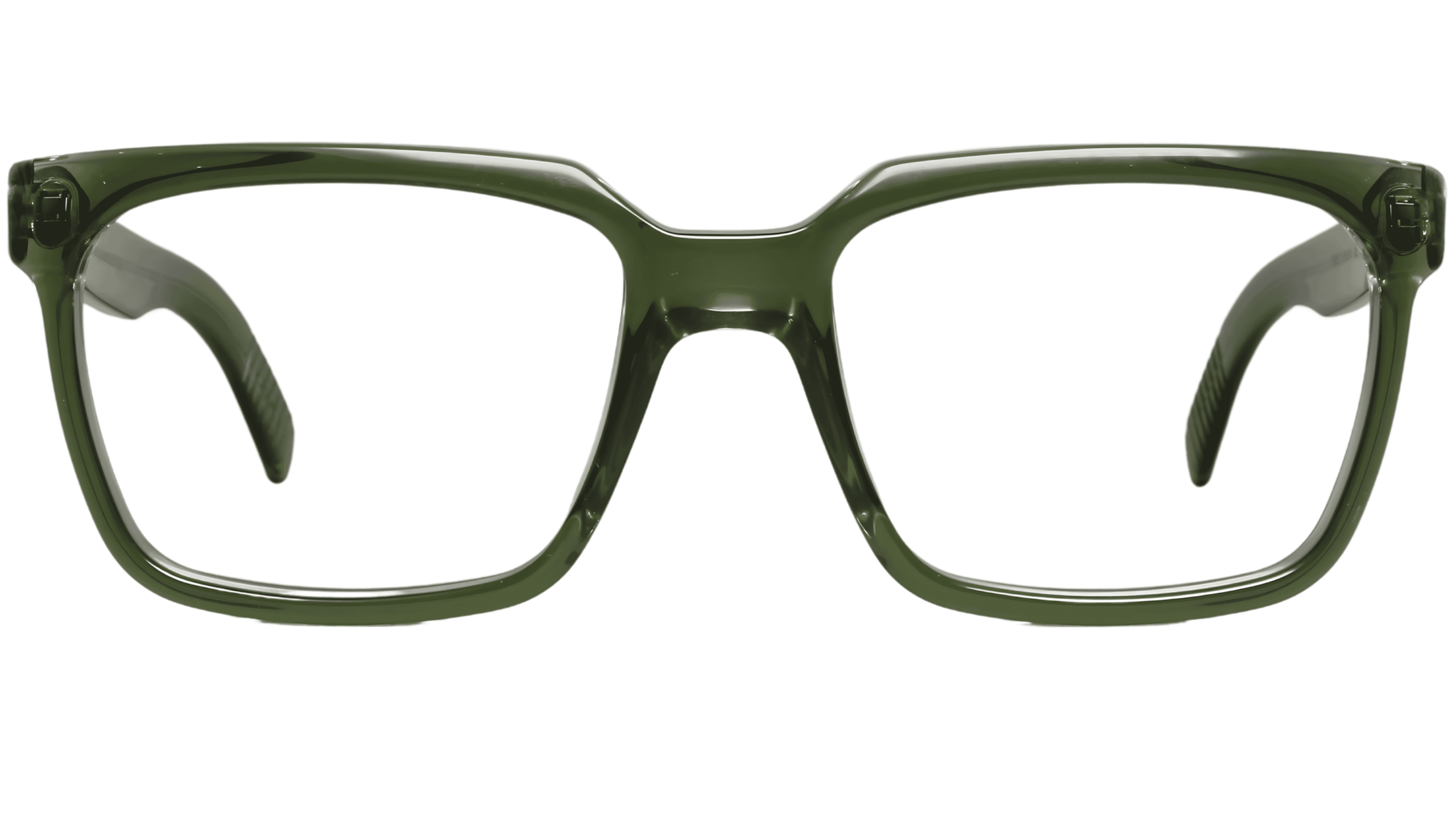
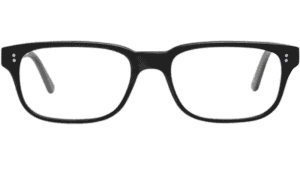
“A5 Mod 612 c.02 (54)” has been added to your basket.
Dutz
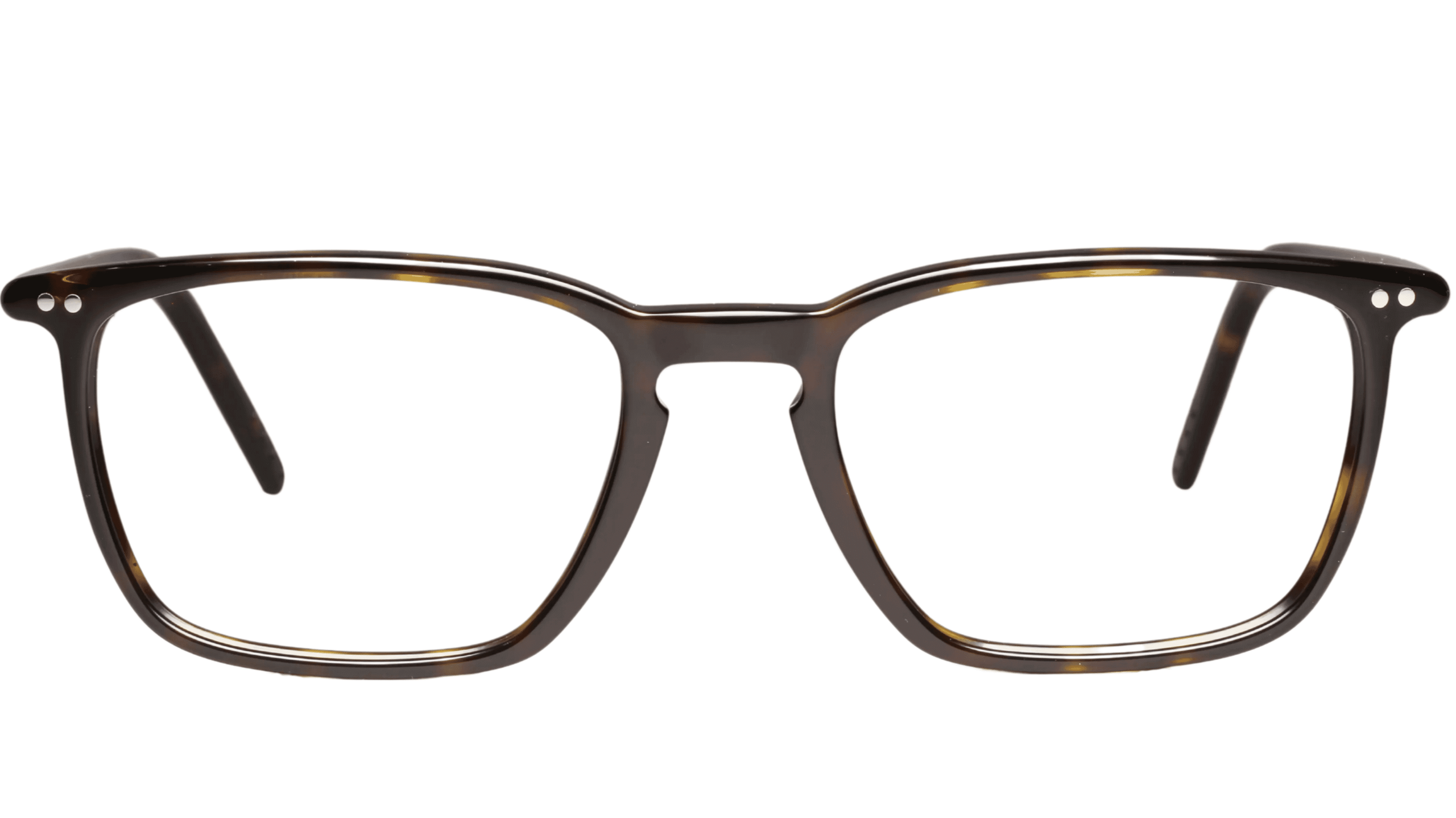
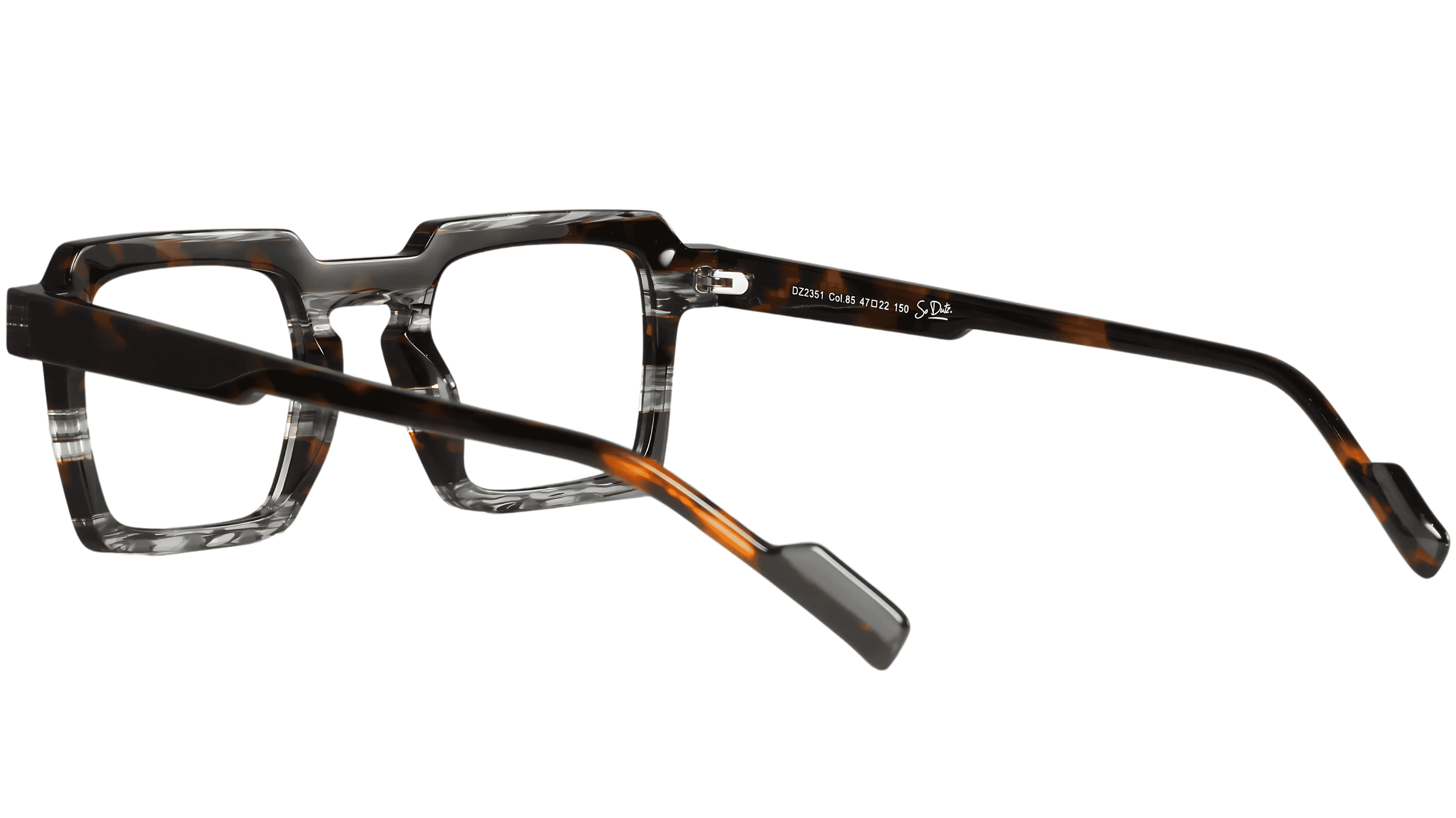
DZ2351 85 (47)
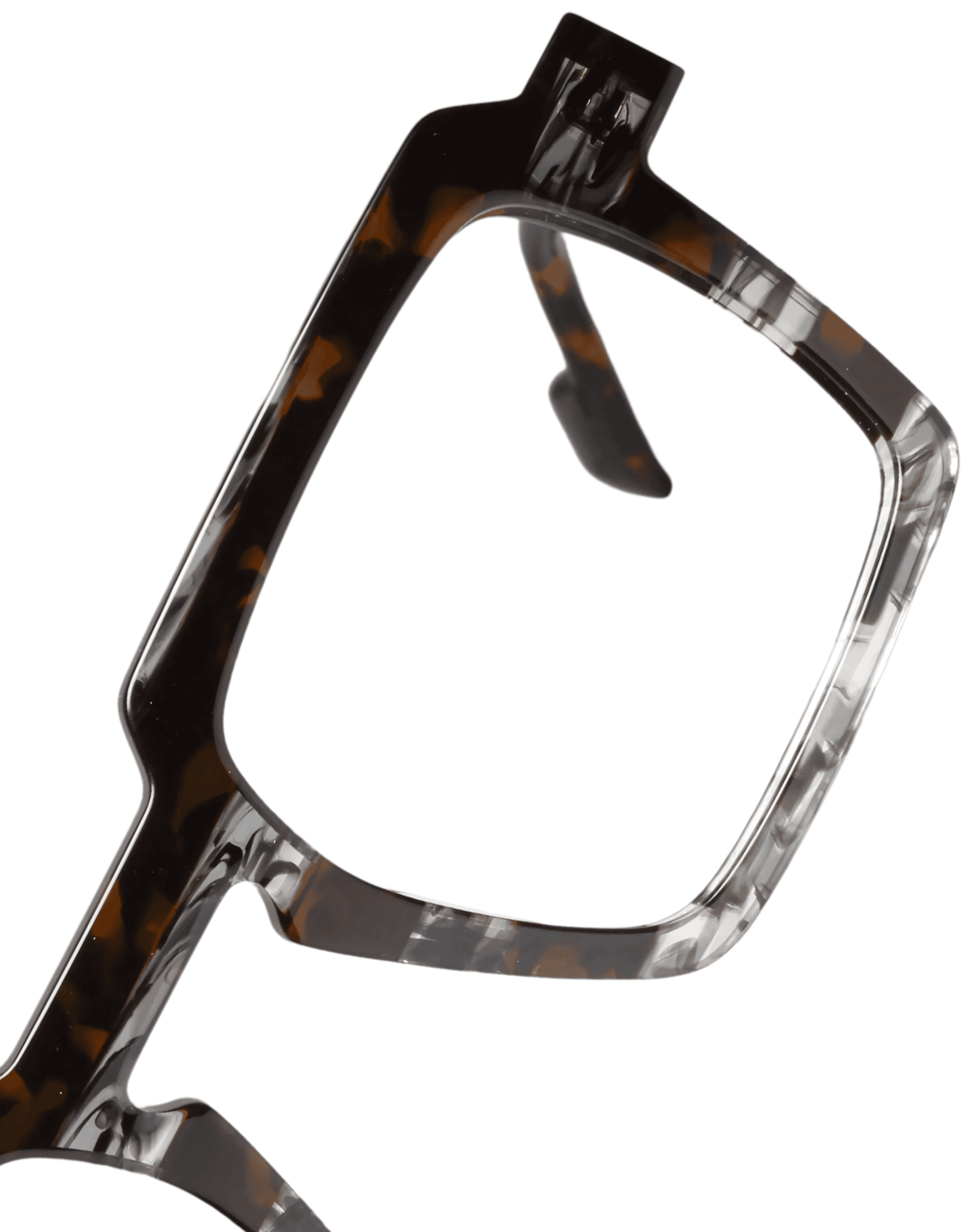
Grey Brown Patt
£183.00
Eyeplan price £128
Arrange to View
Please call us on 02083051060 or alternatively please complete the form below and a member of our friendly team will be in touch shortly:
Arrange to View
Please call us on 0208 305 1060 or alternatively please complete the form below and a member of our friendly team will be in touch shortly:
Frame Details
Eye Size: 47 Bridge Size: 22 Length of Side: 150 Frame Type: Full Rim Material: Metal Frame Shape: Rectangle
ONLY AVAILABLE IN STORE
Enjoy the full personal shopping experience at our eyewear consultations
Highly fashionable designer glasses frames in grey brown patt metal
Stylist's Note
This is a fashionable designer frame from Dutz that has been individually selected for Blackheath Eyecare Opticians by our dedicated dispensing team, just for you. Dutz are renowned for their high quality spectacles with the DZ2351 being just one of many great glasses frames.
How it's made
Dutz DZ2351 85 (47-22-150) glasses are made in Holland using high grade metal, crafted for style, fit and comfort
Eyeplan membership offers access to our advanced eye care services that we believe should be standard and makes eyewear more affordable through its preferential pricing structure. Not only this, but our partnership with Eyeplan helps to ensure that our level of care is accessible to as many people as possible, allowing everyone to benefit from our team’s excellent level of knowledge. Ask us about Eyeplan today.
My Patient ID
Booking your appointment online
To make an appointment as a new patient please follow the steps below.
– Click ‘New’ – Enter your details, this must include a valid contact telephone number and/or email address – Choose the appointment type – If you wish to be seen by a particular optometrist please select or select ‘[ANY]’ to view all available appointment slots – Click on ‘Appointment Date’ to view the available days for an appointment – Scroll or use the arrows to select the day on which you would like your appointment (only available days are shown) – Click on ‘Appointment Time’ to choose the time that suits you best. – Add any comments that may be important to know before the appointment – Click ‘Continue’ – Check the details of the appointment are as desired, click ‘Back’ to make any changes or ‘Confirm’ to complete your booking
Alternatively, if you would prefer to speak to one of our team then do not hesitate to contact us on 020 8305 1060 (or 0776 892 3030) or pop in for a chat.
Booking your appointment online
As an existing patient if you have not booked online before you will need your Patient Identifier (Patient ID).
This is included with any appointment reminders you may have received. If you do not have your Patient ID please click here to make a request or call us to obtain and you will be able to book thereafter.
– Click ‘Registered’ – Enter your Patient ID and date of birth (DOB) – Enter the Captcha code and click Continue – Choose the appointment type – If you wish to be seen by a particular optometrist please select or select ‘[ANY]’ to view all available appointment slots – Click on ‘Appointment Date’ to view the available days for an appointment – Scroll or use the arrows to select the day on which you would like your appointment (only available days are shown) – Click on ‘Appointment Time’ to choose the time that suits you best. – If any of your details have changed (e.g. email, phone numbers, address) or any other information that may be important for us to know before the appointment, please add to comments – Click ‘Continue’ – Check the details of the appointment are as desired, click ‘Back’ to make any changes or ‘Confirm’ to complete your booking
Alternatively, if you would prefer to speak to one of our team then do not hesitate to contact us on 020 8305 1060 (or 0776 892 3030) or pop in for a chat.